I have a logo but need changes.
AI logo editor
Improve the logo you already have
Upload a logo or continue from a generated variation. Ask a design question, type a specific change, or draw on the canvas so the editor can see where the new work belongs.
Upload and improve my logoNeed a new logo instead?
Talk through the design first
The editor can explain the current logo and answer design questions without generating an image. Broad requests such as “make it more unique” pause for a concrete choice before a paid edit runs.
Type the change or mark the canvas
Use plain English for colour, lettering, composition, or symbol changes. For spatial edits, draw the placement or shape and ask the editor to integrate it into the existing visual language.
Compare without losing the source
Each delivered edit appears as a new variation. The original remains available, so you can compare, continue from a prior state, or keep the version that works best.
Real instructions, not keyword stuffing
Put “ikhwa” between the waves and make it look seamlessly connected to the waves to form the word
Make the stones brick colour orange
Suggest improvements
Improve it
Show where the new work belongs
Red pen marks showing where new content should appear
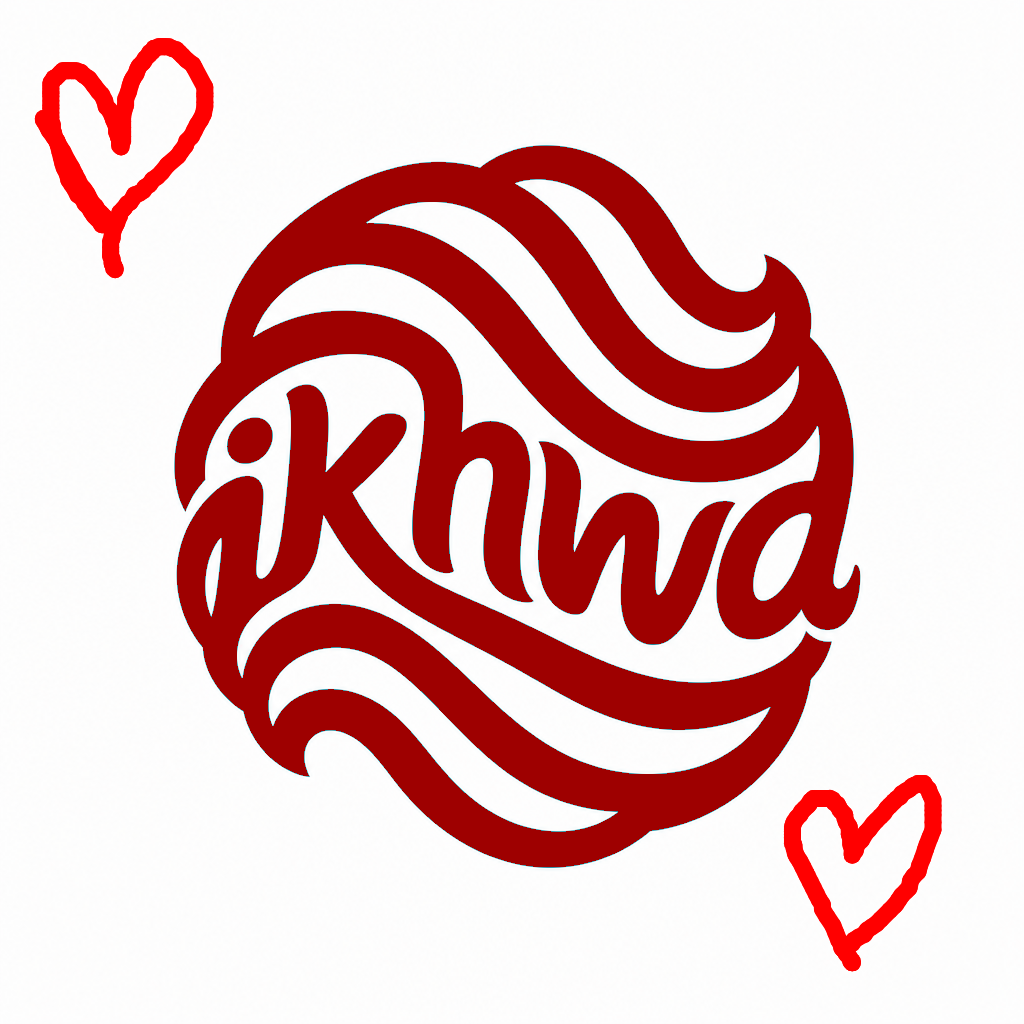
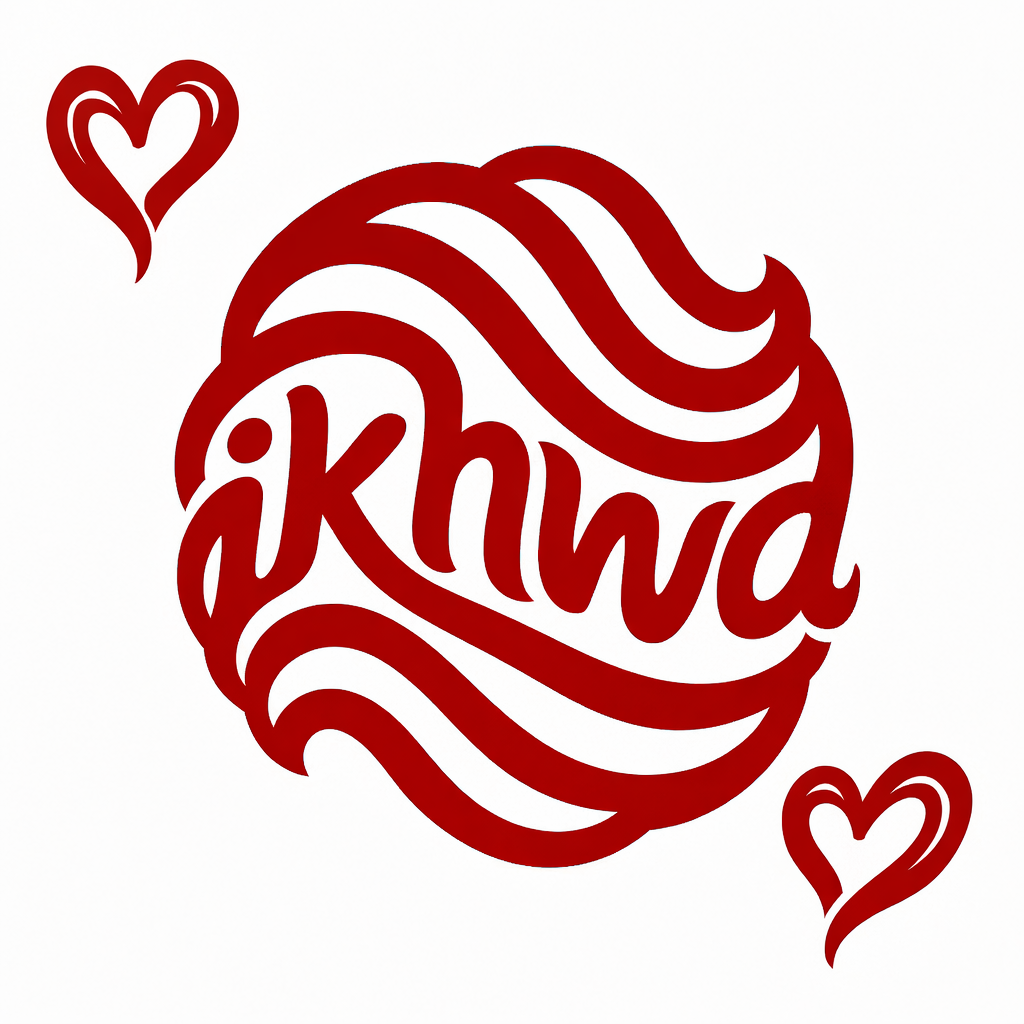
From abstract waves to a connected logo — then hearts in brand style
A five-step Studio journey: generate, one AI edit to weave in the name, a free paint-bucket recolor, sketched hearts on the canvas, then an AI edit that redrew them as native logo artwork.
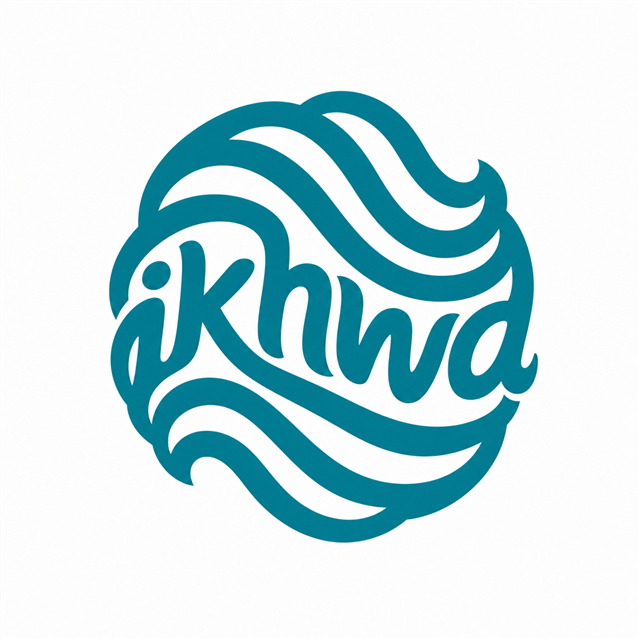
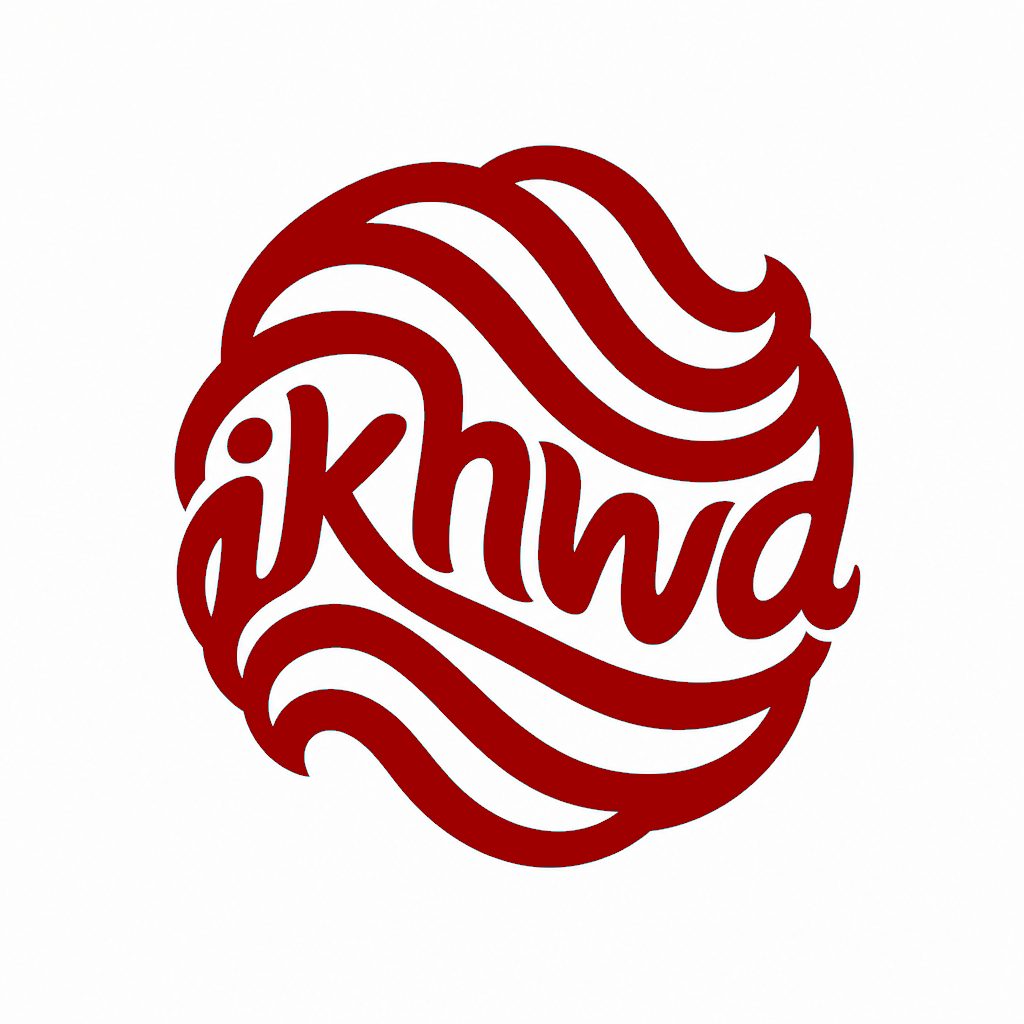
From abstract waves to a connected logo — then hearts in brand style
A five-step Studio journey: generate, one AI edit to weave in the name, a free paint-bucket recolor, sketched hearts on the canvas, then an AI edit that redrew them as native logo artwork.
Correcting one colour without restarting the bakery identity
The initial bakery logo had the right structure but neutral stones. A precise edit changed only that material cue to brick orange while preserving the rest of the mark.
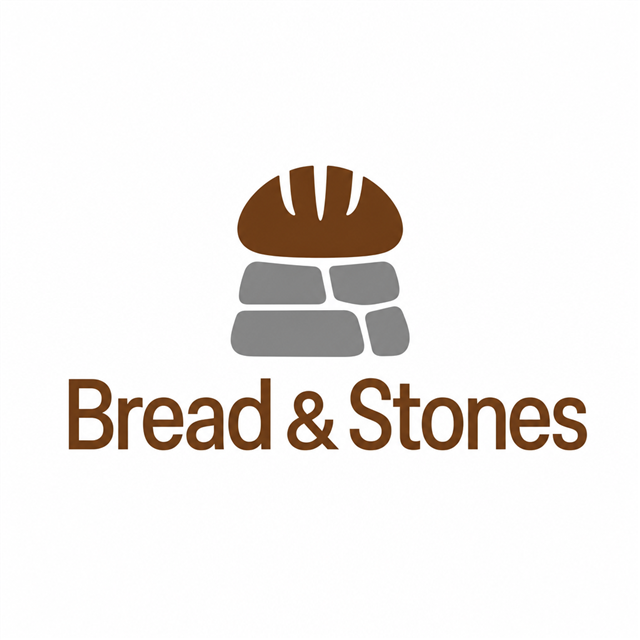
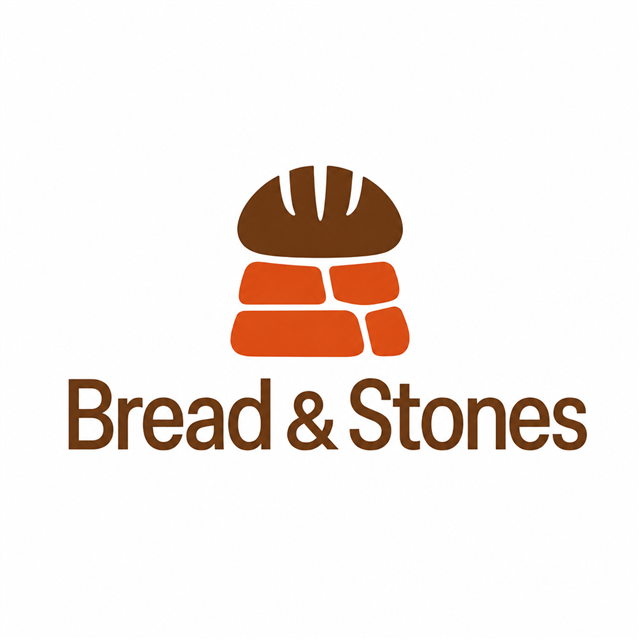
Correcting one colour without restarting the bakery identity
The initial bakery logo had the right structure but neutral stones. A precise edit changed only that material cue to brick orange while preserving the rest of the mark.
Frequently asked questions
Quick answers about Vectura.
Does an explanation cost an image-edit credit?
No. Conversational questions and clarification do not render an image. Credits apply when an image edit is generated.
Can I show where the change belongs?
Yes. Draw or mark the area on the editable canvas, then describe how the marked content should be integrated.
What if I only say “improve it”?
A broad request returns two or three visibly different, context-aware choices in chat. You pick one before any image is generated.